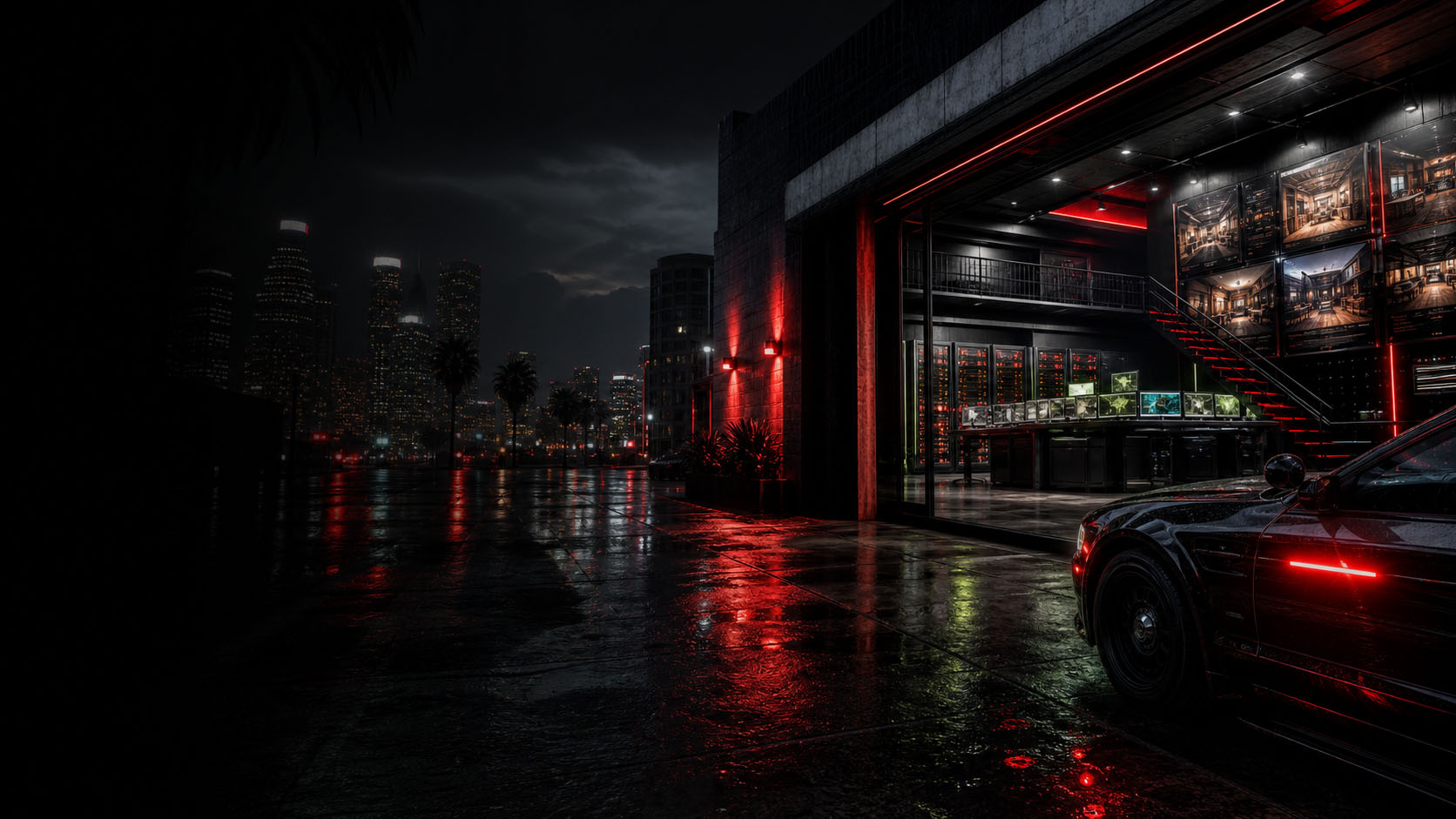

Your first step into your server's world.
REDACTOR
After Hours
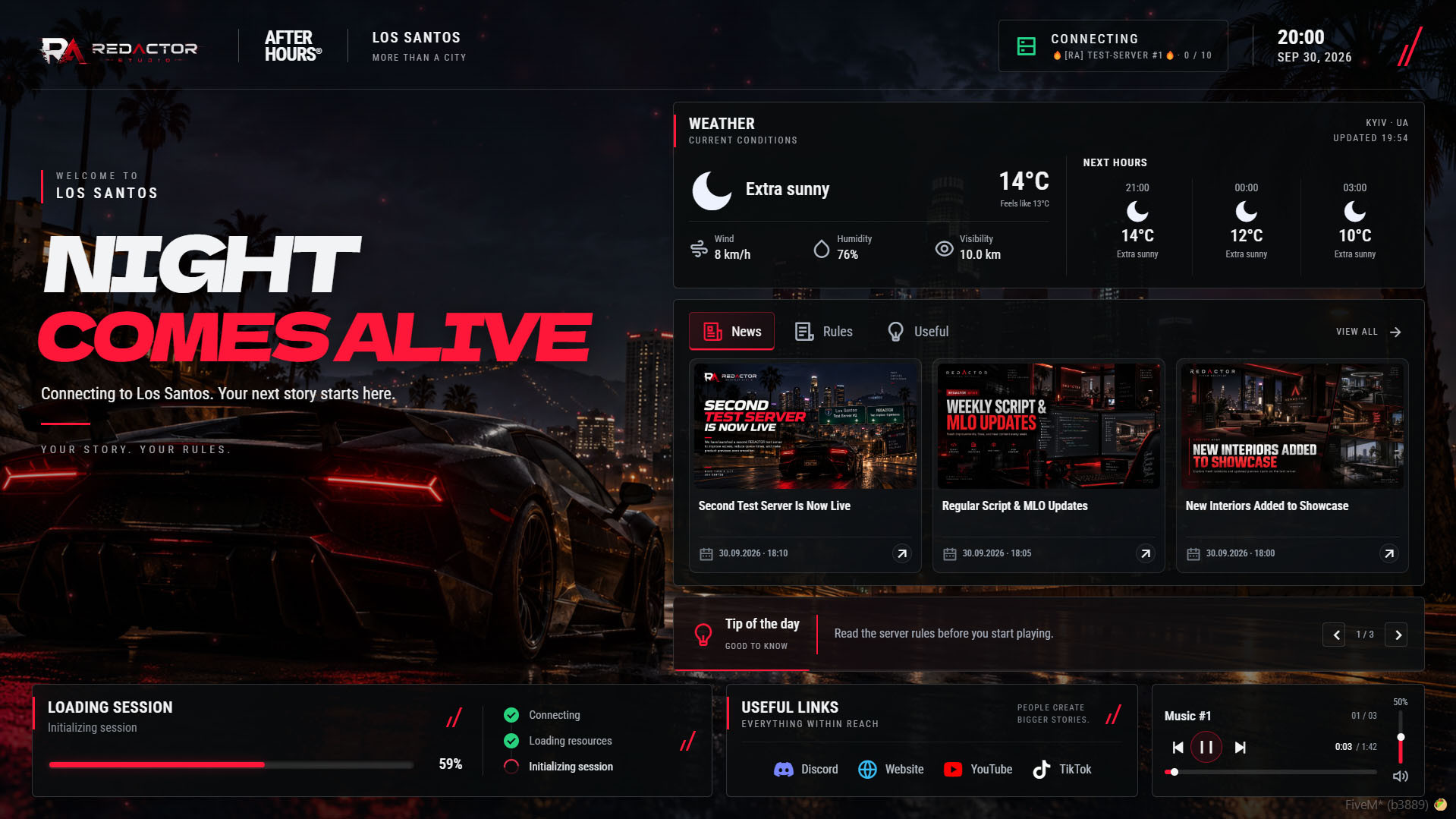
A FiveM loading screen isn't just about loading data. It’s your first step into your server's world.
A customizable FiveM loading screen for roleplay servers, with music, server news, rules, useful information and optional REDACTOR weather integration.
01 / Before the game begins
Roleplay value
Picture this:
you hit "Play."
The screen fades... And there it is—that quiet magic before the game begins.
The server is loading... but instead of a black background or boring "Loading..." text, the atmosphere of a city—one that doesn't exist yet—unfolds before you.
02 / Music, news & a living world
What’s happening?
01 / Soundtrack
🎵 Music
starts playing.
Not some generic Windows background noise... No! It’s a real, living melody—the kind locals listen to on the radio at night. Maybe it’s smooth jazz from a Los Santos retro station? Or some street-corner blues guitar?
04 / City storie
Server news,
right here
Headlines appear on the screen:
— "New police academy opens tomorrow," announces the mayor.
— "Suspicious truck with no plates spotted in the Harborg district" (and locals are already talking about it).
This isn't just a plain admin message... it feels like a digital newspaper edition, ready for players to read while they connect.
And it all moves smoothly... just like city life continuing even when no one is online yet!
05 / A sense of time & place
Server weather & clock
The display can show:
⏰
9:47 PM,
☁️ Rain over the city...
🌡 Temperature +15°C...
With a supported REDACTOR weather resource, the screen can show temperature, feels-like temperature, wind, humidity and visibility when supplied. Without one, you can hide the weather card.
This adds depth to the game world!
03 / Why it matters for a roleplay server
Why have a loading
screen like this?
Because you need to feel like part of the city—even before your character appears on the map!
Usually, before entering the game, there’s nothing. Just emptiness. A boring screen with loading percentages... And no sense of where you actually are.
But REDACTOR After Hours says:
"Hold on...
You're already here."
A familiar feeling
It’s like waking up
in the morning
You open your eyes...
Rain is pattering outside the window. An old jazz album is playing on the radio.
A fresh newspaper lies on the table with headlines like: "Mayor Announces Construction of New Bridge."
And you just sit there... listening, reading the news, and waiting for the moment to step outside.
That’s how this loading interface works—it turns the waiting time into part of the server's life.
What do you get?
Atmosphere:
Music + weather = the feeling of a real place (not just another GTA V city).
Information:
News helps you grasp the world's context before you even start.
Emotion:
Whether the music is sad or upbeat → it shapes the player's mood right from the moment they launch!
This is powerful for RP servers! Because when a player sees their location for the first time...
they already know: "I didn't come here just to play,"
"I came here
to live."
04 / Make it your server
What can
you customize?
Make this FiveM loading screen feel like your own server. Edit the project identity, background media, welcome text, music, news, rules and useful information in five separate Lua configuration files.
// CONFIGURATION
05 Lua files / Selected fields & entry examples
Edit these fields in their existing sections, not as a replacement config.
01 / config.lua
Logo, city, colors, backgrounds, welcome text, visible sections, clock, loading and tips.
Branding
logo = 'logo.webp', city = 'LOS SANTOS', accent = '#ff1739',Background
image = 'background.png', video = '', dim = 0.22,Welcome
title = 'NIGHT', accentTitle = 'COMES ALIVE',Sections
weather = true, news = true, rules = true,Header
timeFormat = '24',Completion
requireConfirmation = true,TipRotation
intervalSeconds = 4,02 / config_music.lua
Your playlist, starting volume and playback controls.
Playback
autoplay = true, volume = 0.5, loop = true,tracks entry
{ title = 'Your track title', file = 'your_track.mp3' },03 / config_news.lua
Headlines, full text, covers and publication date/time. Last entry appears first.
{title='Example News #1', description='This is what your text could look like here.', date='25.09.2026', time='17:00', cover=''},04 / config_rules.lua
Edit titles, descriptions and order. Empty list hides the tab.
{title='Example #1', description='This is what your text could look like here.'},05 / config_useful.lua
Your guides and useful information. Empty list hides the tab.
{title='Example #1', description='This is what your text could look like here.'},// APPLY Server owner: edit → restart resource → new connections. No UI rebuild.
// WEATHER Optional: ra_environmental_control / ra_easy_time. Interface language: ra_core.
05 / From loading screen to your next story
🎵 The music continues with the next track...
🌤 Text appears on the screen:
"Loading complete..."
Your next story begins now.
And that’s when...
the real game begins!
Optimized scripts
Clean, optimized scripts tested in-game for reliable performance and easy setup. Check each resource for framework support, dependencies and installation details.
Tested GTA V game builds: 3095, 3258, 3407, 3570, 3751, 3889.
Resource localizations
Resource UI text is prepared for all supported store languages, so players can use products in their preferred locale where the resource includes translation files.
Delivery & support
Automatic Tebex delivery, documentation and Discord support are included with every purchase.
For installation help, include the resource name, your framework and the error message or steps that reproduce the issue. For access questions, include your order details.